
Autodesk Fusion 360 CNC Router Guide: Features, Compatibility, Setup, and Pricing
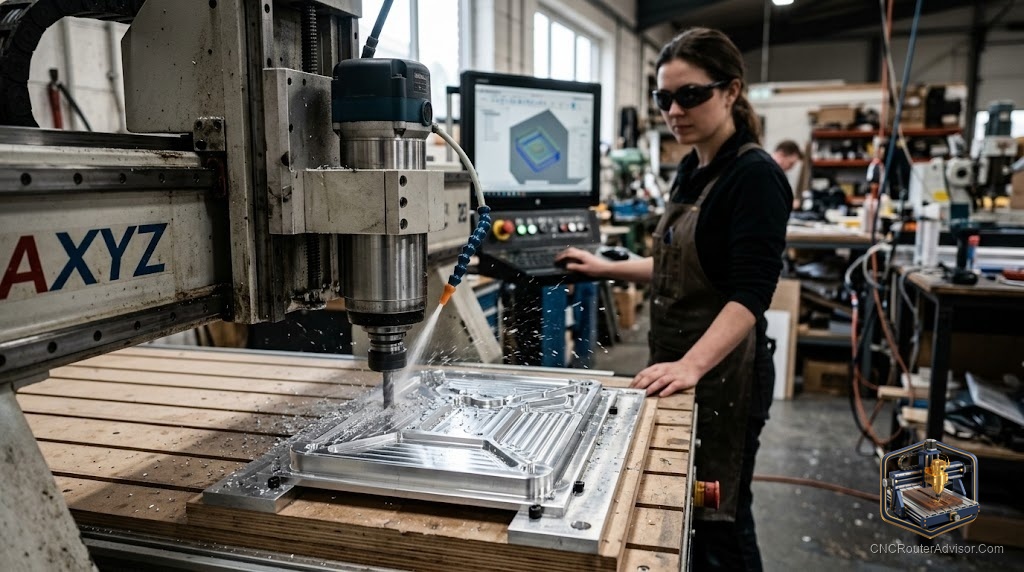
If you’ve spent any time in CNC forums, you’ve seen it: someone asks “what software should I use?” and half the replies just say “Fusion 360.” There’s a good reason it’s the default recommendation for so many router owners - it does the whole job in one place, and there’s a free path in. Here’s the complete guide to using Fusion 360 with your CNC router.
What makes Fusion 360 special
Most software handles either design or machining. Fusion 360, from Autodesk, does both - it’s an integrated CAD and CAM platform. You model your part and generate the toolpaths and G-code to cut it, all in one program, with no exporting between tools. For a CNC router owner, that integration is the whole appeal: change the design and your toolpaths update in the same file.
Features that matter for router work
- Parametric 3D CAD - model precise parts and edit them non-destructively.
- 2D and 2.5D CAM - profiling, pocketing, drilling, and engraving, the bread and butter of router work.
- 3D CAM - roughing and finishing strategies for contoured and 3D relief-style surfaces.
- Toolpath simulation - preview the full cut, catch collisions, and verify depths before you touch material.
- Tool library - store your actual bits and cutting parameters.
- Post-processors - a huge library of post-processor configs, including GRBL, so you can output correct G-code for your controller.
Compatibility
Because the machine only ever reads G-code, Fusion 360 works with essentially any router:
- Machines. GRBL desktop machines through industrial routers - as long as you select the correct post-processor for your controller.
- Files. Imports and exports a wide range of CAD formats (STEP, DXF, DWG, STL, and more), so it slots into any workflow - including designs drafted in AutoCAD.
- Operating system. Runs on Windows and macOS, with cloud-backed files (an internet connection is expected for full functionality).
Setup considerations
- Select the right post-processor for your controller - the single most important step for G-code that runs correctly. GRBL users: pick the GRBL post.
- Build your tool library with the bits you own, including a ball-nose for 3D finishing and a V-bit for lettering.
- Set your stock and work coordinate origin (WCS) to match how you’ll zero the machine - mismatches here cause crashes.
- Use a roughing + finishing strategy for 3D work - rough fast, then a fine finishing pass with a small stepover.
- Always simulate before posting G-code.
- Respect your hardware - Fusion can program more than a light machine can cleanly cut, so mind frame rigidity and tooling.
Pricing reality
Fusion 360’s biggest draw is its accessibility. It offers a free tier for qualifying personal/hobby use (with some feature and simultaneous-document limits), a lower-cost path for startups/makers, and a full paid subscription for professional use. There are also time-limited free trials and education licenses. Rather than quote figures that change, check Autodesk’s current tiers directly - but the key point is that a capable, integrated CAD/CAM platform is reachable at zero cost for many hobbyists, which is exactly why it’s so widely recommended.
Fusion 360 vs. dedicated router software
Fusion 360 is broad and powerful, with a steeper learning curve. If your work is mostly signs, V-carving, and reliefs, a dedicated package like Vectric VCarve/Aspire or Carveco can be faster to learn and more streamlined for that specific work. If you want one tool that grows from simple parts to full 3D machining - and a free entry point - Fusion 360 is hard to beat.
The bottom line
Fusion 360 is the integrated CAD/CAM platform that does design and machining in one place, works with virtually any router through the right post-processor, and offers a genuine free path for hobbyists. Budget time for its learning curve, set up your post-processor and tool library carefully, always simulate, and it will carry your projects from first sketch to finished cut.
Frequently asked questions
Is Fusion 360 really free? There’s a free tier for qualifying personal/hobby use with some limitations, plus paid tiers for professional work. Check Autodesk’s current terms.
Does Fusion 360 work with a GRBL machine? Yes - it includes a GRBL post-processor, so it outputs G-code for GRBL desktop routers as well as industrial machines.
Is it hard to learn? It’s more capable and therefore steeper than dedicated sign/relief software, but there’s a huge library of tutorials, and its integrated design-plus-CAM workflow rewards the effort.