
Artcam CNC Router Software Guide: Features, Compatibility, Setup, and Pricing
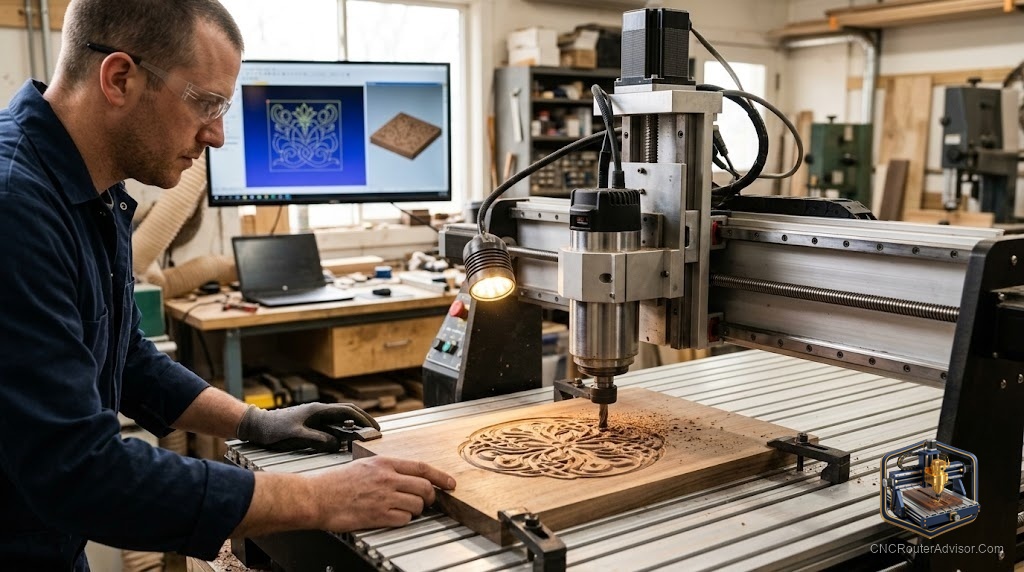
If you’re weighing ArtCAM as the software to drive your CNC router’s artistic work, you deserve the full picture - features, what it runs on, how to set it up, and the pricing reality. There’s one headline fact that changes everything, so let’s lead with it and then give you a genuinely useful buyer’s guide.
The headline: ArtCAM is discontinued
ArtCAM - the celebrated relief-carving CAD/CAM package once sold by Autodesk - was discontinued around 2018 and is no longer sold or developed. Its direct successor, built by the original ArtCAM engineers on the same lineage, is Carveco. So this guide covers what ArtCAM offered and points you to the living equivalent for anything you’d buy today.
Features that made ArtCAM special
ArtCAM’s reputation rested on artistic capability that general CAD couldn’t match:
- 2D design and vector tools for signs, lettering, and layout
- 3D relief modeling - the crown jewel, letting you sculpt dimensional carvings, portraits, and ornamental panels
- Image-to-relief conversion for turning grayscale art into carvable models
- Toolpath generation with strategies for roughing and finishing
- Toolpath simulation to preview the carved result before cutting
- Post-processing to output G-code for your machine
Carveco carries these forward in tiered products - an accessible maker level up through full professional relief modeling.
Compatibility
The beauty of any CAD/CAM package is that the machine only ever sees G-code:
- Machine compatibility. ArtCAM/Carveco works with essentially any CNC router - GRBL desktop machines through industrial ones - as long as you use the correct post-processor for your controller.
- File compatibility. It imports common vector and image formats and 3D models, and exports the toolpaths your CAM workflow needs.
- Operating system. These are Windows-based packages; confirm current system requirements for whichever version you choose.
Setup considerations
- Install and pick the right post-processor for your controller - this is the single most important setup step for correct G-code.
- Configure your tool library with the actual bits you own, including a ball-nose finisher for reliefs.
- Plan roughing + finishing - rough the shape fast, then a fine finishing pass with small stepover for smooth 3D surfaces.
- Use simulation before every real cut to catch depth or boundary errors.
- Match ambition to hardware - the software can model more detail than a light machine can cleanly cut, so respect your machine’s frame rigidity and tooling.
Pricing reality
ArtCAM itself is legacy software - no longer sold new, so there’s no current retail price to quote. Its successor, Carveco, is a paid product available in tiered levels (typically subscription or per-tier licensing), with the entry “maker” tier aimed at hobbyists and higher tiers adding advanced relief and production features. Vectric’s VCarve and Aspire are the main paid alternatives, and there are free entry-level options for simpler work. The right choice depends on how much 3D relief modeling you actually need versus straightforward 2D/2.5D cutting.
The bottom line
ArtCAM was the gold standard for artistic CNC software - powerful 2D design, 3D relief modeling, simulation, and G-code output - but it’s discontinued, with Carveco as its living successor. For buyers today, evaluate Carveco (or Vectric’s line) on the relief capability you need, install the correct post-processor for your controller, and build a roughing-plus-finishing workflow. Get those right and the software will carry your artistic work from idea to finished carving.
Frequently asked questions
Can I still buy ArtCAM software? No - it was discontinued around 2018. Buy its successor, Carveco, or an alternative like Vectric VCarve/Aspire.
Will it work with my router? Yes - it outputs G-code compatible with virtually any machine through the correct post-processor.
Is there a free option? ArtCAM itself isn’t free, and neither is Carveco, though free entry-level CAM tools exist for simpler 2D/2.5D work. Relief modeling generally means a paid package.