
3D Modeling Software for CNC Router: Creating Your Own Files
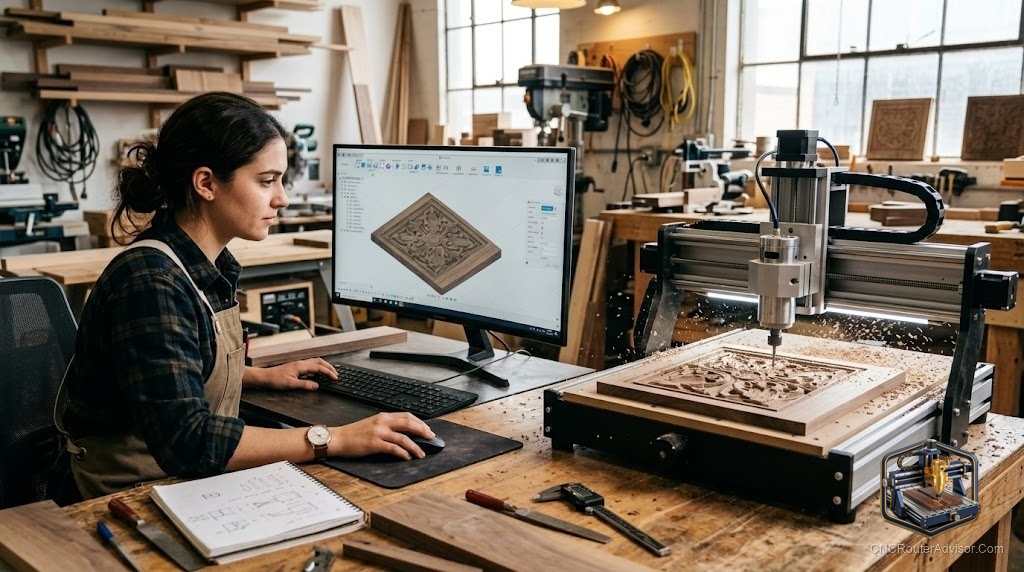
At some point, the file you want doesn’t exist anywhere. The project requires a specific profile that no one has designed before, or a client’s logo rendered in bas-relief, or a custom fixture for a non-standard workpiece. That’s where modeling software enters the workflow: you build what you need, export it as STL, and cut it.
3D modeling software for CNC router covers the applications used to create original 3D geometry that will be machined. This is the design side of the workflow; the output (an STL or DXF file) feeds into CAM software, which generates the actual toolpaths. Some applications combine modeling and CAM (Aspire, Fusion 360); others are modeling-only tools.
The direct answer: Vectric Aspire is the most practical 3D modeling tool for CNC woodworking because it combines relief modeling and CAM in one application. For parametric mechanical parts, Fusion 360 is the most capable free option. For organic sculpting, Blender is free and powerful. For beginners needing simple geometric shapes, TinkerCAD requires no installation and no learning curve.
Vectric Aspire (Built-in Relief Modeling)
Aspire includes woodworking-specific 3D modeling tools that are unlike generic CAD. Instead of parametric constraints and dimensional sketches, Aspire uses relief sculpting: you control the depth, shape, and blending of raised and recessed elements directly. You can create bas-relief artwork from 2D vector designs, imported photographs, or sculpted freehand.
Concrete flaw: Not useful for creating precise engineering geometry (holes with tolerances, threaded features, mechanical assemblies). Aspire is a woodworking relief tool, not a mechanical CAD tool.
Who it’s for: Woodworkers who want to create original relief artwork, custom lettering arrangements, or unique decorative elements directly in the same tool used for toolpath generation.
Fusion 360 (Parametric CAD)
Full history-based parametric modeling: sketch with dimensions and constraints, extrude, revolve, loft, sweep. Changes to base dimensions propagate through the model automatically. The manufacturing workspace handles CAM toolpaths from the same model.
Concrete flaw: Steep learning curve for non-engineers. The cloud-dependent architecture and periodic free tier changes create uncertainty. Best for users who already think in engineering CAD terms.
Who it’s for: Engineers, makers who design mechanical parts, anyone who needs precise dimensional control over their 3D geometry.
Blender (Sculpting and Organic Forms)
Blender’s sculpting mode lets you push, pull, smooth, and crease a mesh surface like virtual clay. It produces organic flowing forms that parametric tools struggle with: character faces, botanical designs, animal figures, architectural ornament. Export as STL, import into Aspire or Carveco for toolpath generation.
Concrete flaw: Blender does not generate G-code. It is a design-only tool in this context. Blender meshes often contain non-manifold geometry that requires Meshmixer repair before CAM import.
Who it’s for: Artists, sculptors, and designers comfortable with 3D sculpting who want to create original organic forms for CNC carving.
ZBrush and ZBrushCore Mini
ZBrush is the professional standard for digital sculpting. ZBrushCore Mini is free. Both produce high-resolution organic mesh output suitable for CNC carving via STL export.
Concrete flaw: Learning curve is significant. ZBrushCore Mini limits many features. Full ZBrush is a subscription product.
TinkerCAD
Free, browser-based, no installation. Combines primitives using boolean operations. Fast for fixtures, simple enclosures, and geometric patterns.
Concrete flaw: Limited for complex organic or relief carving work. A good starting point before moving to Fusion 360 or Aspire.
Comparison
| Software | Type | CNC Modeling Strength | CAM Included | Cost |
|---|---|---|---|---|
| Vectric Aspire | Relief/woodworking | Excellent | Yes | One-time |
| Fusion 360 | Parametric CAD | Good for mechanical | Yes | Free/paid |
| Blender | Organic sculpting | Excellent | No | Free |
| ZBrushCore Mini | Organic sculpting | Very good | No | Free |
| TinkerCAD | Simple geometry | Basic | No | Free |
Verdict
For CNC woodworking originals, Aspire’s integrated relief tools cover most needs. For mechanical and precision work, Fusion 360. For organic artistic forms, Blender or ZBrushCore Mini feeding into Aspire or Carveco via STL.
- Aspire: best integrated tool for CNC woodworking relief modeling
- Fusion 360: best free parametric CAD+CAM for mechanical work
- Blender: best free tool for organic sculptural forms
- All non-CAM tools output STL for import into Aspire, Carveco, or Fusion 360
FAQ
What 3D modeling software works best with Vectric Aspire? Aspire has its own built-in modeling tools. For external models, any software that exports STL works: Fusion 360, Blender, ZBrushCore Mini, TinkerCAD.
Can I use Blender to create CNC carving files? Yes. Design in Blender, export STL, import into Aspire or Carveco for toolpath generation.
Does FreeCAD work for CNC design? Yes. FreeCAD is a free open-source parametric CAD tool with a Path workbench for CAM. Less polished than Fusion 360 but fully functional.
What is the easiest 3D modeling software for CNC beginners? TinkerCAD for simple geometric shapes. Aspire’s built-in tools for woodworking relief work.
References
- Vectric Aspire: vectric.com
- Blender: blender.org
- TinkerCAD: tinkercad.com
- Fusion 360: autodesk.com