
3D Design Software for CNC Router: The Right Tool for Your Workflow
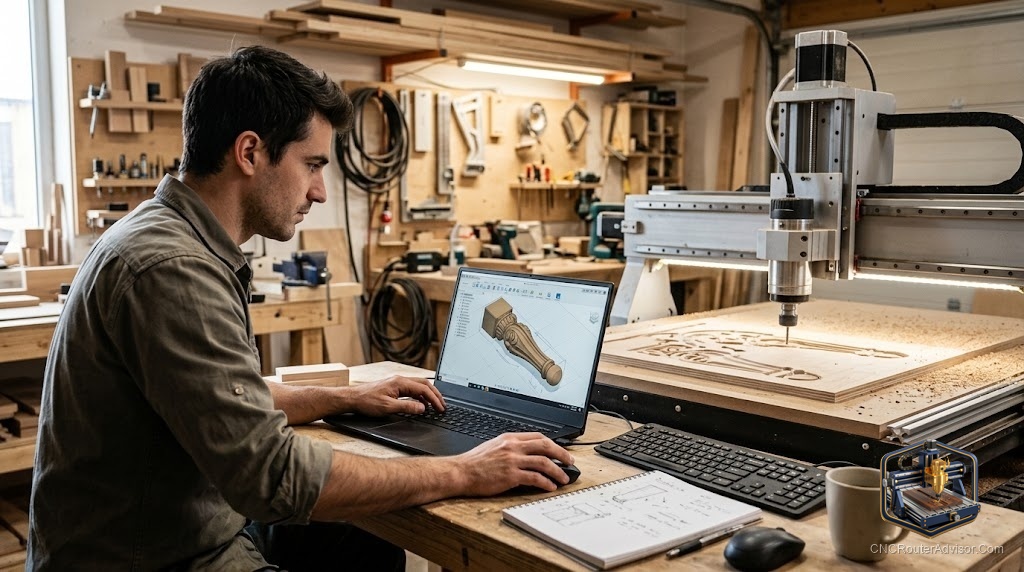
Asking which 3D design software is best for CNC is like asking which car is best. The answer changes completely depending on what you’re hauling and where you’re going. A woodworker carving decorative panels has different requirements than an engineer cutting aluminum fixtures, and neither uses what a sculptor making freeform figures needs. The landscape covers the full range.
3D design software for CNC router refers to applications used to create three-dimensional models that will be machined. This is distinct from CAM software, which generates the actual toolpaths. Some applications (Aspire, Fusion 360) combine both functions; others are design-only tools that export STL for import into separate CAM software.
The direct answer: for woodworking and sign work, Vectric Aspire handles design and CAM in one tool and is the most efficient choice. For mechanical and engineering work, Fusion 360 (free personal use) provides full parametric CAD plus CAM. For free design of simple geometry, TinkerCAD is the fastest starting point. For organic sculptural forms, Blender is the most capable free tool.
For Woodworking and Sign Making
Vectric Aspire
Includes purpose-built 3D relief modeling tools: sculpting, shape creation from 2D artwork, and relief depth control. Design and CAM in one application. The most efficient single tool for CNC woodworking.
Best for: Decorative panels, bas-relief, V-carving, furniture faces, signs. Concrete flaw: No parametric design. High upfront cost. Changes to one dimension may require rebuilding sections of the design.
Vectric VCarve Pro
Handles 2D and V-carving. Imports a single 3D STL for machining but doesn’t include 3D modeling tools. Right choice if most work is 2D with occasional STL import.
For Engineering and Mechanical Work
Fusion 360
Full parametric CAD: sketch-based modeling with constraints and dimensions, assemblies, simulation. Manufacturing workspace handles CAM toolpaths from the same model. One application for complete design-through-cut workflow.
Best for: Precise parts, jigs, fixtures, mechanical components, aluminum work. Concrete flaw: Cloud-dependent. Periodic changes to free tier terms. Steep learning curve for non-engineers.
FreeCAD
Open-source parametric CAD with a Path workbench for CAM. Fully free, desktop-based, no cloud dependency.
Best for: Users who want a completely free open-source parametric workflow. Concrete flaw: Less polished interface than Fusion 360. Path workbench less intuitive than commercial CAM tools.
For Simple Geometry
TinkerCAD
Browser-based, free, no installation. Builds 3D models from primitive shapes using union and subtract operations. Limited for complex designs but excellent for fixtures, holders, and simple geometric patterns. Exports STL.
For Organic Sculpting
Blender
Free, powerful, complex. Sculpting mode produces organic surfaces for artistic figures, botanical designs, and complex relief work. Export as STL for import into Aspire or Carveco for toolpath generation.
Concrete flaw for CNC: Blender does not generate G-code. It is a design-only tool in this context. Meshes often require repair before CAM import.
Comparison
| Software | Design Type | CAM Included | Cost |
|---|---|---|---|
| Vectric Aspire | Woodworking relief | Yes | One-time |
| Fusion 360 | Parametric engineering | Yes | Free/paid |
| TinkerCAD | Simple geometry | No | Free |
| Blender | Organic sculpting | No | Free |
| FreeCAD | Parametric | Yes (Path) | Free |
Verdict
Your work type determines your tool. Woodworking relief: Aspire. Precision parts: Fusion 360. Simple shapes: TinkerCAD. Organic artistic forms: Blender feeding into Aspire or Carveco.
- Aspire: best complete tool for woodworking design and CAM
- Fusion 360: best free parametric CAD+CAM for engineering work
- TinkerCAD: fastest free entry for simple 3D geometry
- Blender: most capable free tool for organic sculptural forms
FAQ
What is the best free 3D design software for CNC? Fusion 360 personal license for parametric parts. TinkerCAD for simple geometry. Blender for organic sculpting.
Can Blender output files for CNC routing? Blender creates the model and exports STL. Import that STL into Aspire, Carveco, or Fusion 360 for G-code generation.
Does Fusion 360 include CNC toolpaths? Yes. The manufacturing workspace generates 2D through 5-axis toolpaths from the same model you design in the CAD workspace.
References
- Vectric Aspire: vectric.com
- Fusion 360: autodesk.com/products/fusion-360
- TinkerCAD: tinkercad.com
- Blender: blender.org