
G Code CNC Router Explained: Uses, Setup, and Key Considerations
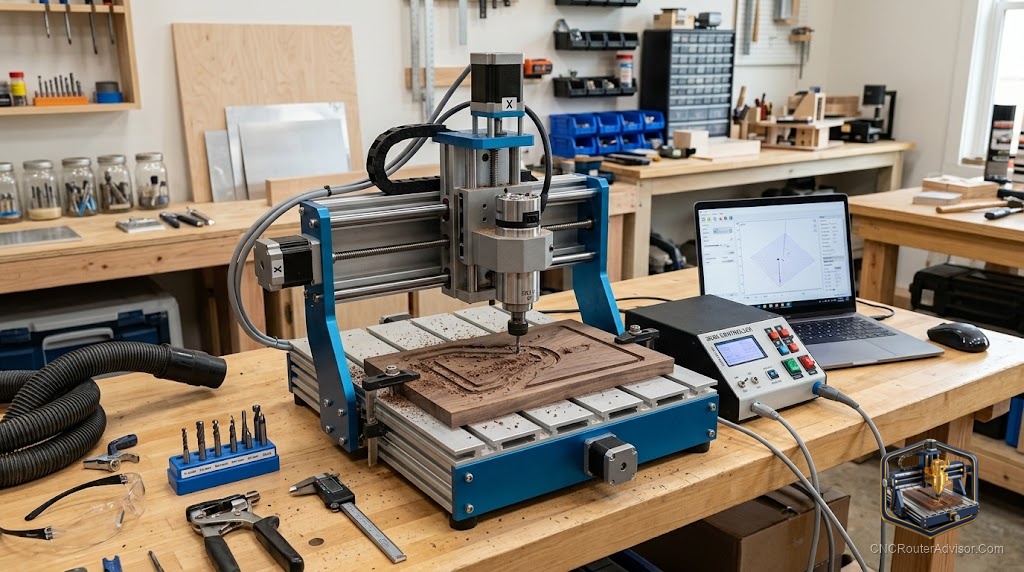
At some point every CNC router user hears about G-code, often with a little intimidation attached. It sounds technical, and it is, but the core idea is simple and worth understanding. G-code is the language your machine actually speaks, the instructions that tell it exactly where to move and what to do. You rarely have to write it by hand, but knowing what it is and how it fits into the workflow makes you a far more capable and confident operator. This guide explains G-code in plain terms.
What G-code is
G-code is the programming language that controls CNC machines, a list of instructions telling the machine how to move. Each line is a command, directing the cutter to move to a coordinate, at a certain speed, turning the spindle on or off, and so on. Your CNC router follows this list step by step to cut your part. In short, G-code is the bridge between a design on your computer and physical motion on the machine, the precise directions the controller reads and obeys.
Where G-code comes from
The good news for most users is that you do not write G-code by hand. It is generated automatically by CAM software from your design. You create or import a design, choose your tools and cutting settings, and the CAM software produces the toolpaths and exports them as G-code. That file then goes to your control software, which sends it to the machine. Understanding this chain, from design to CAM to G-code to machine, demystifies the whole process and shows where G-code sits in it.
What the code actually contains
While you may never write it, it helps to know what G-code holds. It contains movement commands that position the cutter across the three axes, feed rates that set how fast the tool moves through material, spindle commands that control the cutter, and coordinates that map out the exact path. Reading even a little of it, you can see the machine’s plan laid out line by line. This is why a glance at G-code can help you understand or troubleshoot what a machine is about to do.
The post-processor
One concept is essential: the post-processor. Different machines and controllers expect slightly different flavors of G-code, so CAM software uses a post-processor to translate toolpaths into the exact form your specific machine understands. Using the correct post-processor for your machine, often a GRBL controller on hobby routers, is what ensures the G-code runs correctly. A mismatched post-processor is a common cause of code that will not run or behaves oddly, so this is worth getting right.
Setup and running G-code
Using G-code in practice is straightforward once the pieces are in place. Generate the G-code from your CAM software with the right post-processor, load it into your control software, set your work origin so the machine knows where the part begins, and run the job while watching the first moves. Setting the origin correctly is critical, since the coordinates in the G-code are all relative to that starting point. A careful start is what turns correct code into a correct cut.
Key considerations
A few habits make working with G-code smoother. Always simulate or preview toolpaths in your CAM software before cutting, since it is far cheaper to catch a mistake on screen than in material. Confirm your post-processor matches your machine. Double-check your work origin before every job. And keep your files organized so you can rerun a job later. You rarely need to edit G-code directly, but understanding it means you can diagnose problems when they arise.
Demystifying the machine’s language
G-code is simply the language your CNC router speaks, a clear list of instructions generated from your design and read by the machine. You do not need to write it by hand, but understanding what it is, where it comes from, and the role of the post-processor turns a mysterious step into an understandable one. Master that understanding and you gain real confidence, because you finally know exactly what your machine is being told to do.