
Free CNC Router Software: What You Can Actually Run Without Paying
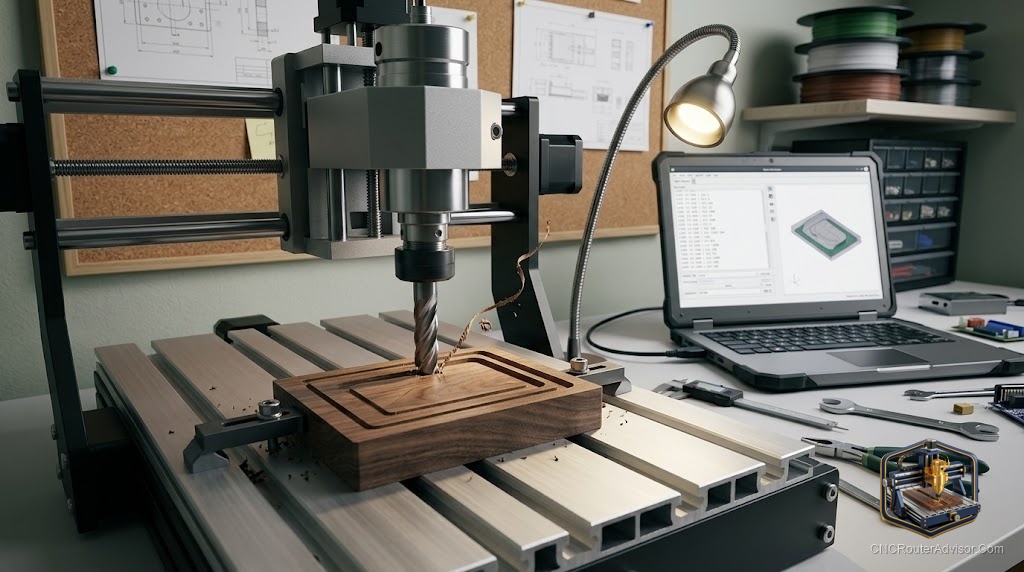
One of the pleasant surprises of getting into CNC routing is how much capable software costs nothing. You can design a part, generate toolpaths, and send G-code to your machine using free tools that professionals genuinely respect. You do not need an expensive suite to make great signs, inlays, and parts. You just need to know which free program does which job, because no single free tool does everything.
Free CNC router software is the set of no-cost programs that handle the three stages of CNC work: CAD (designing the part), CAM (turning the design into toolpaths and G-code), and control or sending (streaming that G-code to the machine). Some free tools cover one stage; a few combine CAD and CAM in one place, which is ideal for beginners.
The short answer on what to install: if you install one program today, make it Carbide Create. It is free, combines 2D CAD and CAM with V-carving in a beginner-friendly package, outputs G-code for almost any machine, and runs on Mac and PC. Add Inkscape for vector design, a free sender for machine control, and you have a complete workflow at zero cost.
The three stages and the best free tool for each
1. CAD (design)
- Inkscape: Free, open-source vector editor. Ideal for creating and cleaning up SVG designs before importing into CAM. Exports clean SVGs that every major CAM tool accepts.
- FreeCAD: Fully open-source 3D CAD. Good for modeling parts before machining.
- Fusion 360 (personal-use tier): Combines 3D CAD and CAM. The personal-use tier is free but check current limitations, as terms can change.
2. CAM (toolpaths and G-code)
- Carbide Create: Free, combines 2D CAD and CAM, imports SVG and DXF, includes V-carving, simulation, image tracing, and a tool library. Downloadable and runs offline. Works with essentially any CNC router. The top recommendation from multiple hobbyist communities.
- Easel (Inventables): Browser-based combined design and CAM with a free tier. Very approachable for simple jobs.
- Estlcam: A widely used CAM program known for an intuitive interface and strong hobbyist community support.
3. Control and sending (running the machine) Many machines ship with free control software. For GRBL-based machines, free open senders exist. LinuxCNC is a powerful, fully open-source control system for a dedicated PC.
Where free software falls short
Honesty matters here. Free CAM tools often lack automatic nesting, which arranges parts efficiently on a sheet. One common complaint about even entry CAM tools is inefficient cut ordering that wastes machine time. Free 3D CAM is limited, which is why relief carving usually pushes users toward paid Vectric software. Browser-based tools like Easel require an internet connection, unlike downloadable Carbide Create. And free personal-use licenses (Fusion 360) can change their terms, so read the current limits carefully. None of this makes free software a bad choice; it just sets the right expectations.
The verdict
You can run a complete CNC workflow for free, and for many hobbyists and small shops that is genuinely enough. Start with Carbide Create for combined design and toolpaths, add Inkscape for vector work, use your controller’s included software or a free sender to run the machine, and reach for LinuxCNC or FreeCAD if you want fully open control and 3D CAD. Move to paid software only when you need advanced nesting, detailed 3D relief carving, or heavy production features.
Three takeaways: install Carbide Create first for free combined CAD and CAM that works on any machine; add Inkscape for vector design; and expect to add paid software only when you outgrow free tools for nesting or detailed 3D work.
FAQ
What is the best free CNC router software for beginners? Carbide Create. It is free, combines 2D CAD and CAM with V-carving, runs on Mac and PC, works offline, and outputs standard G-code for nearly any machine.
Is there free software to design and cut in one program? Yes. Carbide Create and Inventables’ Easel both combine design and toolpath generation. Carbide Create is downloadable and works offline; Easel is browser-based.
Can I use Inkscape for CNC? Yes. Inkscape is a free vector editor ideal for drawing or cleaning up SVG designs, which you import into a CAM tool like Carbide Create to generate toolpaths.
Is Fusion 360 free for CNC? It offers a personal-use tier with CAD and CAM, but terms can change. Check the current personal-use license limits before relying on it.
What is the catch with free CNC software? Free tools often lack advanced nesting and strong 3D CAM. Detailed relief carving and heavy production usually push users toward paid software like Vectric VCarve or Aspire.
What free software runs the CNC machine itself? Many machines ship with free control software. Free open senders exist for GRBL machines, and LinuxCNC is a powerful, fully open-source control system for a dedicated PC.
What is Estlcam? A popular, low-cost CAM program with a free trial tier. Known for an intuitive interface and strong hobbyist support, widely used to generate toolpaths from drawings.
References
- Carbide 3D, Free CNC Software for Routers and Mills: https://carbide3d.com/learn/free-cnc-software/
- CNC Dad, Best Free CNC Software for Beginners (Carbide Create): https://www.cnc-dad.com/blog/best-free-cnc-software/
- Minimillr, Free CAM Software for CNC Routers (Carbide Create details): https://www.minimillr.com/best-free-cam-software-for-cnc-routers/
- Reddit r/hobbycnc, Best free software CNC discussion: https://www.reddit.com/r/hobbycnc/comments/1dnu5t8/best_free_software_cnc/
- Facebook CNC group, Free CAM options for beginners (Carbide Create and Estlcam): https://www.facebook.com/groups/585824148849958/posts/2033138107451881/