
Software for CNC Router: Design, CAM, and Machine Control
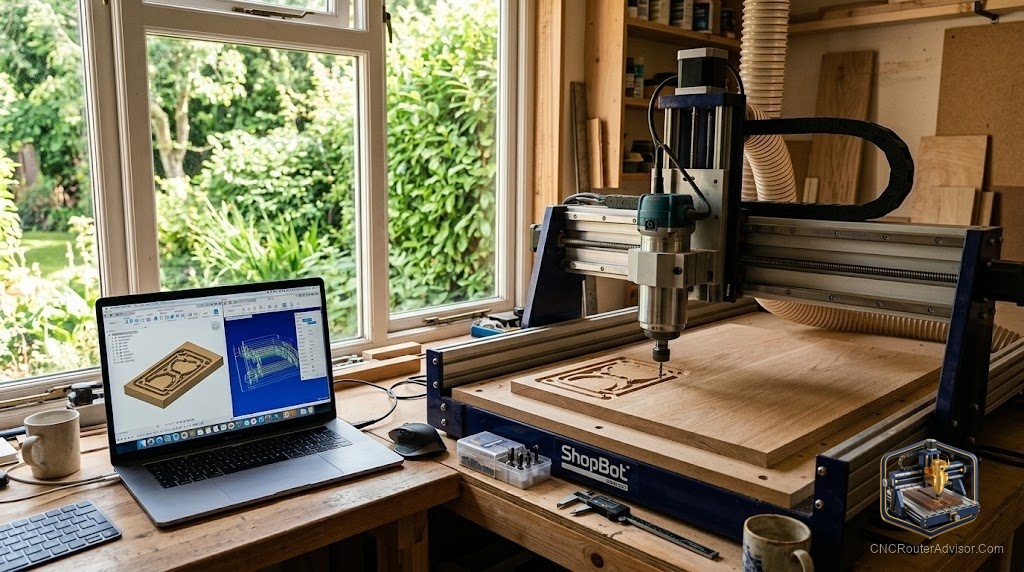
The machine runs whatever instructions it receives. The software determines the quality of those instructions. Three categories work in sequence and each has its own learning curve. Choosing the right tool at each tier is as important as choosing the right machine.
CNC router software operates in three tiers: design software that creates geometry, CAM software that converts geometry into toolpaths, and G-code senders that communicate with the machine controller.
Design Software
Inkscape (free): Vector drawing. SVG and DXF export. Free standard for 2D sign layouts. No 3D.
Fusion 360 (free personal use): 3D parametric modeling plus integrated CAM. Required for solid 3D work and mechanical parts.
Adobe Illustrator: Professional vector. If it is already in your workflow, works with all CAM programs directly.
CAM Software
Carbide Create (free): Best free option. Pocket, profile, and V-carve. Works with any GRBL machine.
VCarve Desktop (Vectric, paid): The practical woodworking step-up. V-carve toolpath quality clearly better than free alternatives. Simulation prevents material waste.
VCarve Pro: Adds sheet nesting and large-format tiling for production shops.
Easel (Inventables, free tier): Browser-based, no installation, fastest first cut.
G-Code Senders
gSender (free, Sienci Labs): Best GRBL sender. First choice for non-Shapeoko machines. Windows, Mac, Linux.
Carbide Motion (free): For Shapeoko machines.
Universal G-Code Sender (free): Java-based, cross-platform.
Recommended Stack
Inkscape + VCarve Desktop + gSender covers most hobby woodworking and sign work without compatibility issues.
FAQ
What is the best free CNC router software? Carbide Create plus gSender plus Inkscape. Covers most hobby work at no cost.
Is VCarve worth buying? For sign making and woodworking: yes. V-carve quality and simulation justify it.
What is a post-processor? A file that formats G-code for your specific controller. Wrong post-processor = wrong behavior.
References
- Vectric. VCarve documentation. vectric.com
- Sienci Labs. gSender guide. github.com/sienci-labs/gsender