
DXF Files for CNC Router Free Download: File Sources, Compatibility, and Project Ideas
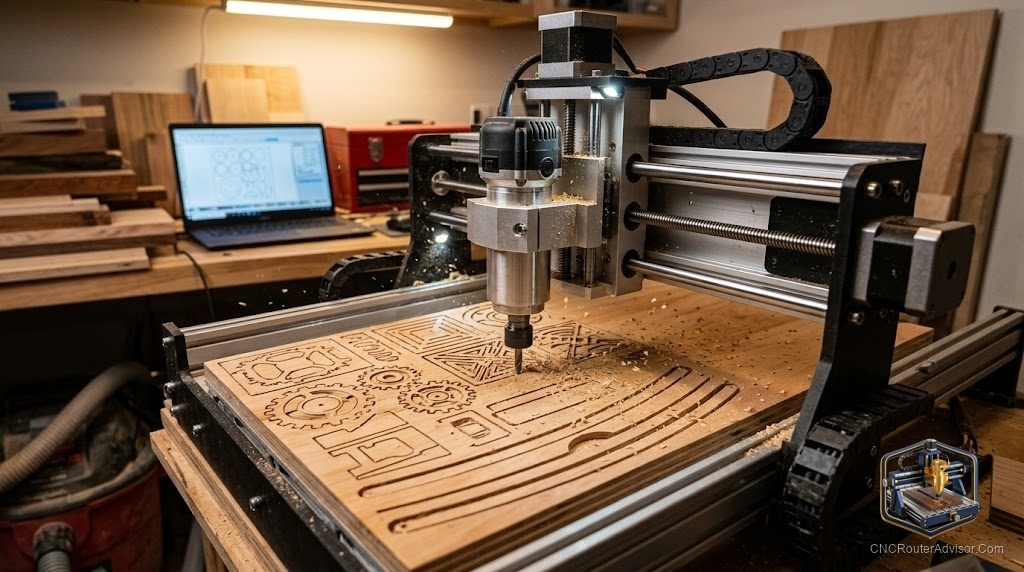
One of the fastest ways to start making things on a CNC router is to skip designing from scratch and use a ready-made file. DXF files are the workhorse format for exactly this, carrying the flat vector shapes that drive cutting and engraving, and there is a wealth of free ones available. Knowing where to find good free DXF files, how to make sure they will work with your machine, and what to make with them turns downloading into finished projects. This guide covers all three.
What a DXF file is
DXF stands for Drawing Exchange Format, a widely supported file type that stores two-dimensional vector geometry, the lines, arcs, and curves that define a shape. For a CNC router, that geometry becomes the outline the cutter follows for profiling, pocketing, and engraving. Because DXF is a vector format, it scales cleanly and imports into virtually every CAM program, which is why it is so common in the CNC world. Think of a DXF as the flat blueprint of a part.
Where to find free DXF files
Free DXF files come from several kinds of sources:
- Dedicated DXF and CNC file libraries, which collect designs specifically for cutting.
- Maker communities and forums, where people share files they have created and tested.
- Design marketplaces, many of which offer free sections alongside paid files.
- Manufacturer and software communities, which sometimes provide sample files to learn with.
When downloading free files, favor sources where others have used the file successfully, since a proven file saves you from troubleshooting someone else’s mistake.
Checking compatibility
A free file only helps if it works with your setup. Before committing time to it, check a few things. Confirm your CAM software can import DXF, which nearly all can. Open the file and inspect the geometry for gaps, overlaps, or doubled lines, since messy vectors cause messy toolpaths. Verify the scale, because DXF files sometimes import at the wrong size and a quick dimension check prevents cutting a part at the wrong scale. Clean, correctly scaled geometry is what separates a smooth job from a frustrating one.
Preparing a downloaded file
Downloaded DXF files often need a little cleanup before cutting. Remove stray or duplicate lines, close any open paths that should be continuous, and confirm the design fits your material and work area. Then assign toolpaths in your CAM software, choosing profiling for outlines, pocketing for cleared areas, and engraving or V-carving for detail. Treating the download as a starting point rather than a finished job gives far better results.
Project ideas using DXF files
Because DXF carries flat vector shapes, it suits a huge range of projects:
- Signs and lettering, where crisp vector outlines shine.
- Decorative wall art, from geometric patterns to silhouettes.
- Flat parts and templates, cut precisely to a drawing.
- Inlays and layered designs, built from matched vector shapes.
Starting from a free DXF lets you focus on cutting and finishing while you learn, before designing your own.
Free files, real results
Free DXF files are a genuine shortcut to making things on a CNC router, as long as you choose good sources, check compatibility and scale, and clean the geometry before cutting. Start with proven files for the kind of work you want to do, learn how they behave on your machine, and build confidence. Before long you will know a good file when you see one, and you may find yourself creating and sharing your own.