
CNC Router Speed and Feed Calculator Explained: Uses, Setup, and Key Considerations
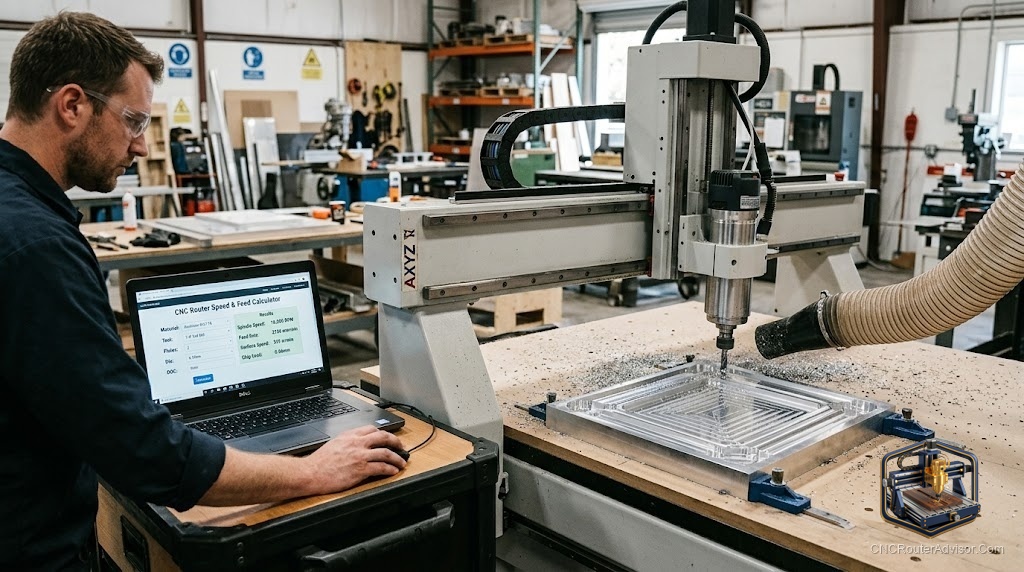
Ask anyone who has broken a pile of end mills what they wish they had understood sooner, and feeds and speeds will come up fast. A CNC router speed and feed calculator is the tool that turns that painful trial and error into something predictable. Instead of guessing how fast to move the cutter and how fast to spin it, you enter a few facts about your job and get numbers you can start from. Understanding what the calculator does, and what it does not, is one of the most valuable skills a router owner can build.
What feeds and speeds actually mean
Two numbers sit at the heart of every cut. Spindle speed, measured in RPM, is how fast the cutter spins. Feed rate is how fast the cutter moves through the material. The relationship between them, along with the tool and material, determines the chip load, which is how big a bite each flute takes. Get the chip load right and the tool cuts cleanly, clears chips, and lasts. Get it wrong and the tool either rubs and overheats or bites too hard and breaks.
A calculator exists to help you land in that healthy range instead of discovering it by destroying tools.
What you feed the calculator
To get useful numbers, a speed and feed calculator needs a few inputs:
- The material you are cutting, since wood, plastic, and aluminum all behave differently.
- The tool details, including diameter, number of flutes, and type.
- The depth of cut you plan to take.
- Your machine’s limits, including the spindle’s speed range and how rigid the machine is.
That last point matters more than beginners expect. A calculator may suggest numbers a light hobby machine cannot hold, so the results are a starting point filtered through what your machine can actually do.
How to use the results
The numbers a calculator gives you are a beginning, not gospel. Start conservative, especially on a lighter machine, and listen to the cut. A healthy cut sounds crisp and produces chips rather than dust. A screaming, squealing, or chattering cut is telling you to adjust. From that safe starting point, you can gradually push feeds and depths to find what your machine handles comfortably.
Keep notes. The most useful calculator over time is the record you build of settings that worked for specific tools and materials on your specific machine.
Why machine rigidity changes everything
A calculator assumes a tool cutting a material, but it cannot see your machine. Frame rigidity, spindle power, and the motion system all cap what you can actually run. A stiff machine with a strong spindle can chase the calculator’s numbers. A flexible desktop machine needs lighter, more conservative settings to avoid chatter and lost steps. This is why the same calculated numbers can succeed on one machine and fail on another.
Building the skill
A speed and feed calculator is best thought of as a teacher. Early on it keeps you out of trouble and saves tools. Over time, as you feel how different materials and tools behave, you start to predict good settings yourself and use the calculator to confirm rather than discover. That progression, from relying on the numbers to understanding them, is exactly what turns a nervous beginner into a confident operator.
Use the calculator, respect your machine’s limits, start conservative, and keep records. Do that, and the era of mystery tool breakage ends, replaced by cuts you can trust before you press start.