
CNC Router Feed Rate Calculator: What It Does and How to Trust the Numbers
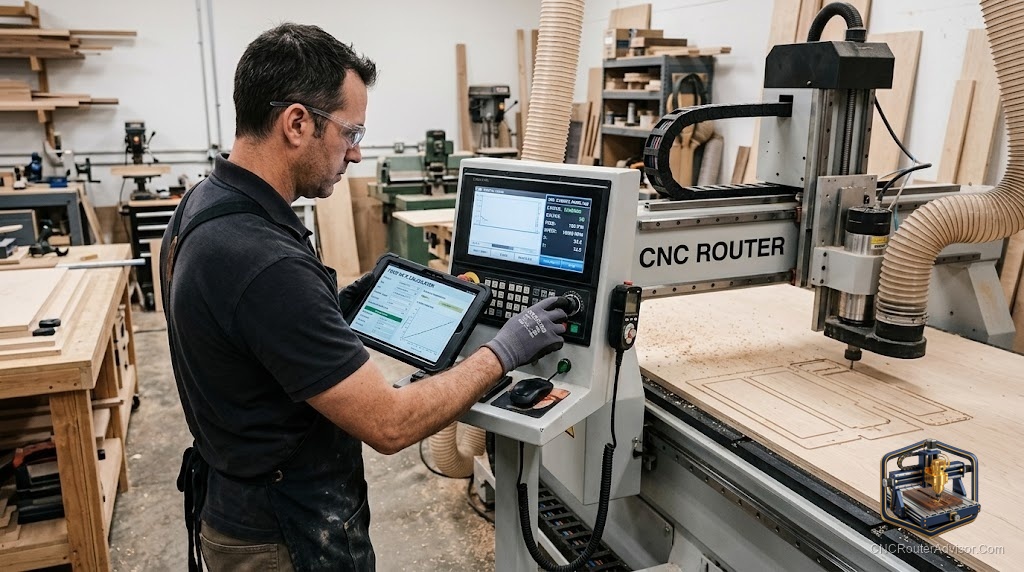
Every new CNC user hits the same wall: the machine is ready, the design is done, and now it wants a feed rate, and nobody told you what number to type. Guess too low and you burn the wood and dull the bit; guess too high and you break it. A feed rate calculator exists to turn that guessing into arithmetic, and understanding how it works, and where it stops being trustworthy, is one of the most useful things a router owner can learn.
A CNC router feed rate calculator is a tool that computes the feed rate, how fast the machine moves the cutter through material, from inputs like spindle speed (RPM), number of flutes, and a target chip load per tooth. It converts cutting theory into a concrete number you can enter into your CAM software or controller.
The direct answer before the detail: a feed rate calculator gives you a strong, physics-based starting point using the formula feed rate equals RPM times number of flutes times chip load per tooth. It is a starting point, not gospel, because it cannot know your machine’s rigidity, your bit’s real condition, or how your specific material behaves. Use it to get close, then adjust by listening to and watching the cut. The sections below explain the inputs, the formula, and how to move from a calculated number to a proven one.
The inputs that drive the result
A calculator needs a few key values. Spindle speed (RPM) is how fast the tool spins. The number of flutes is how many cutting edges the bit has. Chip load per tooth is the target thickness of material each edge should remove, and it is the value most tied to your specific bit and material. Some calculators also factor in cutting diameter and depth. The output quality depends entirely on realistic inputs, especially chip load, which comes from tooling manufacturer recommendations for your material.
The formula behind the number
The core relationship is simple: feed rate equals RPM times the number of flutes times the chip load per tooth. A bit with more flutes or a higher chip load target moves faster; a higher RPM does too. Understanding this helps you reason about changes: if you slow the spindle, the feed should drop to keep the chip load steady, and if chips look like powder, your chip load is too low. The calculator is just this formula applied consistently, which is exactly why its answer is only as good as the chip load you feed it.
Why the calculated number is a starting point
The formula does not know your machine. A calculator assumes ideal conditions, but a light or flexing frame cannot handle the aggressive feeds a rigid one can, a dull bit behaves differently from a sharp one, and real material varies from the reference values. So treat the result as a first pass: start near the calculated number, then adjust based on the sound of the cut, the look of the chips (real chips, not dust or powder), and the finish. Nudge in small steps and note what works, building your own proven settings over time.
For the closely related question of spindle speed, see our guide to the CNC router feed speed calculator.
Who benefits most from a feed rate calculator
Beginners benefit most, because it replaces blind guessing with a defensible starting number and teaches the relationship between the variables. Experienced users still use it to ballpark settings for a new bit or material quickly. The only people who can skip it are those running well-proven settings they already trust for a fixed set of tools and materials, and even they often check a calculator when something new comes along.
Final verdict
A CNC router feed rate calculator turns feed-rate guesswork into arithmetic, using RPM, flute count, and chip load to give you a solid starting number. Respect what it is: an excellent first estimate that cannot account for your machine’s rigidity, your bit’s condition, or your exact material. Feed it realistic chip-load values, start near its answer, then refine by watching the chips and listening to the cut until you have proven settings of your own. Use it that way and it shortens the learning curve dramatically. Trust it blindly, and the machine will teach you the difference between theory and your shop.
FAQ
What does a CNC router feed rate calculator do? It computes how fast the machine should move the cutter through material, using inputs like spindle speed, number of flutes, and target chip load per tooth to produce a concrete feed rate.
What is the feed rate formula? Feed rate equals RPM times the number of flutes times the chip load per tooth. More flutes, higher chip load, or higher RPM all increase the feed rate.
What is chip load? Chip load is the thickness of material each cutting edge removes per revolution. It is the input most specific to your bit and material, and it drives the accuracy of the result.
Is the calculated feed rate exact? No. It is a strong starting point that assumes ideal conditions. Your machine’s rigidity, bit condition, and actual material require you to adjust from the calculated number.
How do I know if my feed rate is right? Look for real chips rather than powder or burning, listen for a steady cut rather than chatter, and check the finish. Adjust in small steps until those signs are good.
Where do I get chip load values? From the tooling manufacturer’s recommendations for your bit and material. Realistic chip load values are what make the calculator’s output trustworthy.
References
- Onsrud, feed rate and chip load reference charts: https://www.onsrud.com
- Autodesk, feeds and speeds fundamentals: https://www.autodesk.com
- GRBL project documentation, feed rate and G-code reference: https://github.com/gnea/grbl/wiki