
Shapeoko 4 CNC Router: Models, Specifications, Support, and Buying Considerations
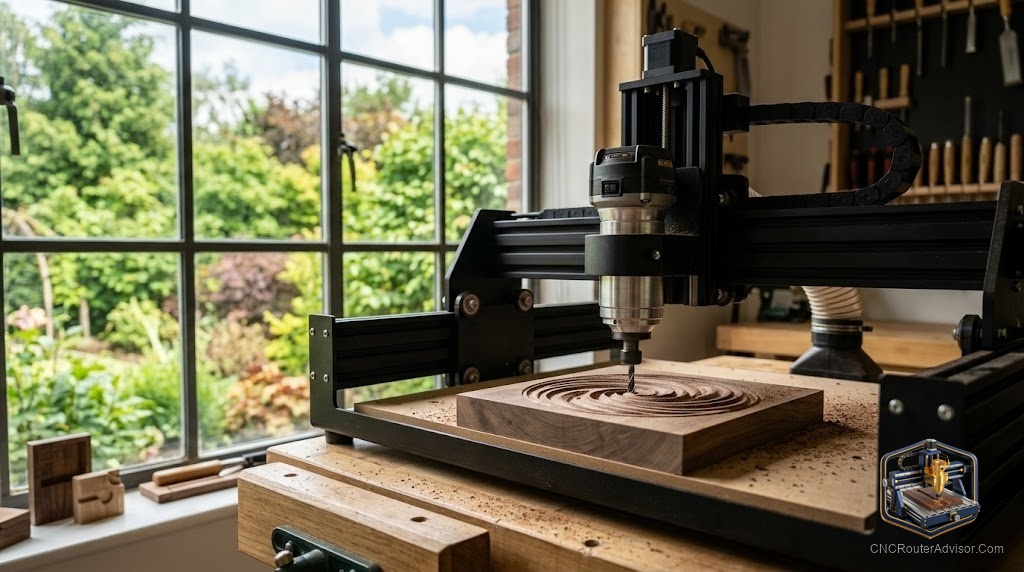
The Shapeoko line from Carbide 3D has a reputation, and it is mostly earned. When people ask whether the Shapeoko 4 is worth it, they are usually weighing a well supported, community favorite machine against cheaper boxes with bigger spec sheets. That is exactly the right comparison to make, because the Shapeoko’s value is not in winning any single number. It is in the whole package: a solid machine, a mature software ecosystem, and support that beginners lean on heavily when they are learning.
This guide covers what the Shapeoko 4 is, how to think about its models and specifications, and the buying considerations, including who should look elsewhere.
What the Shapeoko 4 is
The Shapeoko 4 is a benchtop CNC router from Carbide 3D, aimed at hobbyists, makers, and small shops. It is a belt driven gantry machine built on a sturdy frame, designed to cut wood, plastics, and, with care, soft aluminum. It runs within the Carbide 3D ecosystem, which pairs the machine with the company’s own design and toolpath software and a supportive user community. Carbide 3D sells direct, so you buy and get support through the manufacturer rather than through a marketplace.
What sets it apart is not an exotic motion system. It is the combination of a proven, rigid enough frame, an unusually approachable software chain, and strong support that shortens the beginner learning curve.
The short answer
The Shapeoko 4 is a strong choice if you value support, a mature software ecosystem, and a proven, well documented machine over squeezing the most raw capability out of each dollar. It cuts wood and plastic beautifully and handles soft aluminum with care. Choose it when you want a machine that a huge community already knows inside out, so help is always a search away. Look elsewhere if you specifically need ball screw precision, a very large work area, or serious metal capability, since the Shapeoko is optimized for approachable, reliable wood and plastic work rather than those niches.
Models and configurations
The Shapeoko 4 is typically offered in more than one work area size, along with a choice of how it is equipped, including spindle or router options. When you configure one, the decisions that matter are work area, sized to your projects plus margin, and the cutter, whether you run the offered router or a spindle. Because Carbide 3D sells direct and updates its lineup over time, confirm the current sizes and options on the manufacturer’s site rather than trusting a secondhand spec list. The right configuration is the one that matches your largest realistic part with room to grow.
Specifications in context
Read the Shapeoko’s specs through the lens of its purpose. It uses a belt drive rather than ball screws, which keeps cost and maintenance approachable and is entirely adequate for wood, plastic, and light aluminum, though it is not the choice for someone chasing maximum metal precision. Its frame is designed for rigidity in its class. Its real specification advantage is the software and support ecosystem, which does not show up on a parts list but matters enormously in daily use. When comparing it to a cheaper machine with a flashier spec sheet, remember that the missing line item on the rival is usually support.
Support and ecosystem: the real value
This is where the Shapeoko justifies itself. Carbide 3D provides a mature, beginner friendly software path and responsive support, and the machine has one of the largest, most active user communities in the hobby. That means when you hit a problem, and every beginner does, thousands of people have already solved it and documented the fix. Parts and upgrades are readily available. For someone learning, that ecosystem turns setbacks into quick fixes and is worth more than a marginally better spec on a machine no one can help you run.
Who should skip the Shapeoko 4
Skip it if you need ball screw precision for demanding accuracy or heavier aluminum work, because a rigid ball screw machine will serve that better. Skip it if you need a very large or full sheet work area, since the Shapeoko is a benchtop class machine. Skip it too if your priority is squeezing maximum raw capability from your budget and you are comfortable troubleshooting a less supported machine on your own, because you can find bigger numbers for less elsewhere. The Shapeoko is for people who value the whole supported package over any single spec.
Comparison: Shapeoko 4 vs a spec focused budget machine
| Factor | Shapeoko 4 | Spec focused budget machine |
| Motion system | Belt drive, proven | Sometimes ball screw |
| Software ecosystem | Mature, beginner friendly | Varies, often less polished |
| Support and community | Large and active | Often thin |
| Best materials | Wood, plastic, light aluminum | Varies by build |
| Best buyer | Values support and reliability | Chasing raw specs |
Because the Shapeoko 4 is sold and supported directly by Carbide 3D, evaluate current models, sizes, and options on the manufacturer’s site rather than a marketplace listing. If you decide you want ball screw precision on a metal frame instead, the Genmitsu 3030 PROVer Ultra is available at this listing, and for a larger rigid platform the Genmitsu PROVerXL 4030 is at this listing.
The verdict
The Shapeoko 4 is not the machine that wins spec sheet comparisons, and it does not try to be. Its strength is the complete package: a proven, rigid enough benchtop machine, a mature and approachable software ecosystem, and a support community so large that almost any problem is already solved somewhere. For hobbyists and small shops cutting wood, plastic, and light aluminum who value getting help when they need it, that package is worth more than a bigger number on a rival’s box. If you need ball screw precision, full sheet capacity, or heavy metal work, look elsewhere. For everyone else in its class, the Shapeoko earns its reputation.
Frequently asked questions
Is the Shapeoko 4 good for beginners? Very much so. Its approachable software ecosystem and large, active support community mean beginners can find help quickly, which shortens the learning curve. That support is a big part of why the machine is recommended so often.
Can the Shapeoko 4 cut aluminum? Yes, soft aluminum with careful feeds, speeds, and workholding. It is optimized for wood and plastic, so aluminum works but is not its specialty. For heavier metal precision, a rigid ball screw machine is a better fit.
Does the Shapeoko 4 use ball screws? No, it uses a belt drive, which keeps cost and maintenance approachable and is well suited to wood, plastic, and light aluminum. If you specifically need ball screw precision, consider a different machine.
Where do I buy a Shapeoko 4? Carbide 3D sells the Shapeoko direct, so you buy and get support through the manufacturer. Check the current models, sizes, and options on their site, since the lineup updates over time.
Is the Shapeoko worth it over a cheaper machine? If you value support, a mature software ecosystem, and a proven machine, yes. Cheaper machines may show bigger specs, but they often lack the support that turns beginner problems into quick fixes.
What work area does the Shapeoko 4 offer? It is typically available in more than one benchtop size. Confirm current sizes on the manufacturer’s site and choose the one that fits your largest realistic part with margin to grow.
References
- Carbide 3D, Shapeoko: https://carbide3d.com
- CNC Router Info, How to Choose a CNC Router: https://cncrouterinfo.com/guides/how-to-choose-a-cnc-router/
- CNC Dad, Best CNC Router for Beginners: https://www.cnc-dad.com/blog/best-cnc-router-for-beginners/